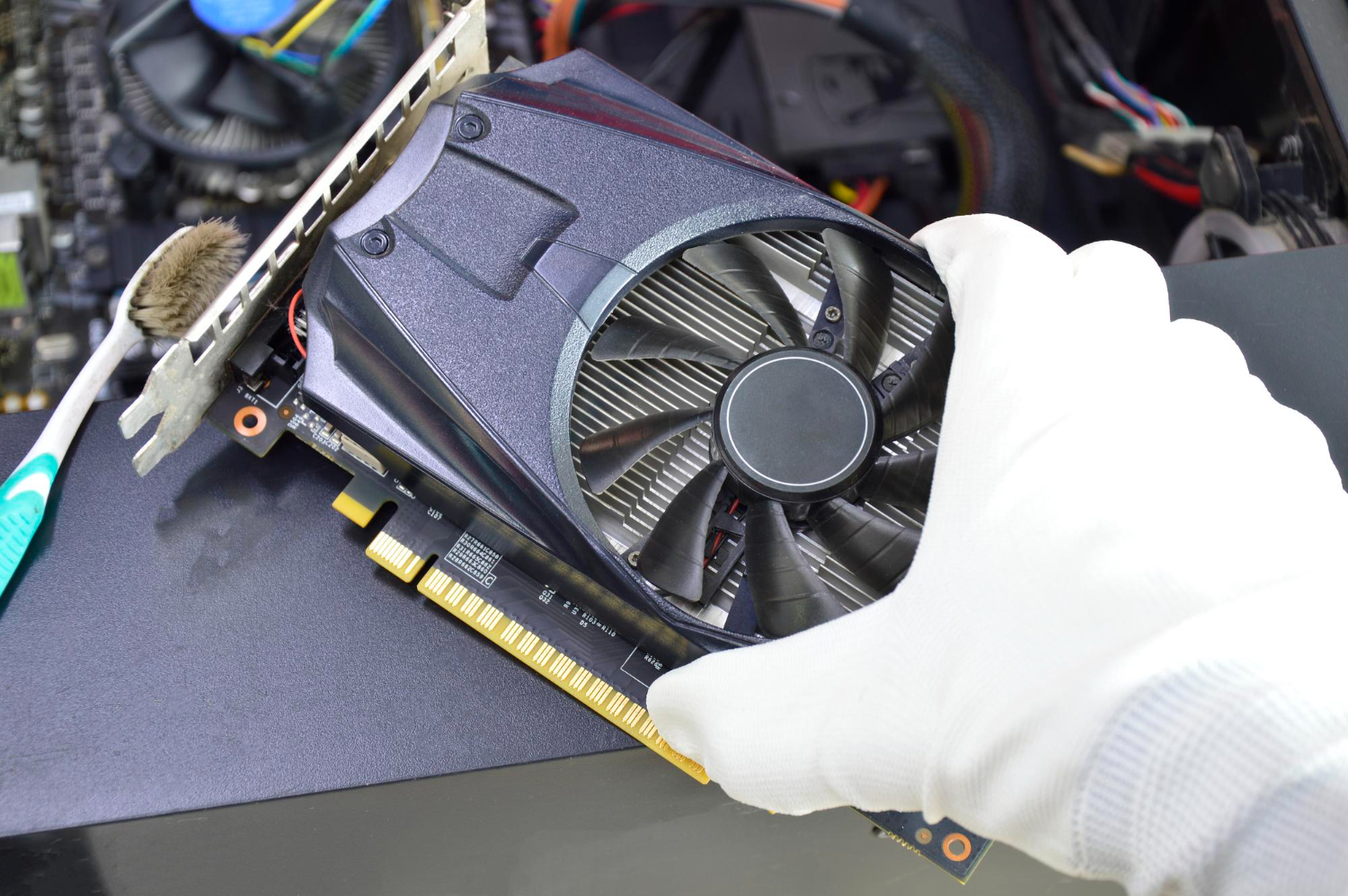
Gaming laptops place high-performance components inside a compact enclosure. The cooling system must move heat away from the processor and graphics chip while controlling noise and surface temperature. When it cannot, the laptop reduces power or clock speed, which can turn a strong specification into inconsistent real-world performance.
Battery health is a separate buying issue. Full gaming performance normally requires mains power, but a worn or swollen battery can still affect everyday use and safety. These checks complement the wider Malaysian gaming laptop comparison process.
Understand what thermal throttling means
Processors and GPUs adjust speed according to workload, power and temperature. Reaching a high temperature is not automatically a fault because gaming laptops are designed to operate within defined limits. The concern is whether the system repeatedly reduces performance, becomes unstable or runs much worse than the same model under comparable conditions.
Review sustained frame rates or repeated benchmark runs rather than one short score. Monitoring software can show temperature, power and clock behaviour, but figures need context. Test mode, room temperature, fan profile, laptop position and background activity should be recorded for a fair comparison.
Compare chassis cooling designs
Larger laptops often have more room for fans, heat pipes, vapour chambers and exhaust openings, although size alone does not guarantee better results. Thin models trade some thermal capacity for portability. Buyers should compare professional reviews that measure long-duration performance, noise and keyboard-area temperature.
Look at intake placement before planning the workspace. Soft beds, cushions and some tight stands can block bottom vents. Rear or side exhaust may direct hot air toward a mouse hand or monitor. A cooling pad can improve airflow in some situations, but it should not be required to correct a defective internal system.
Listen to the fans
High fan speed under load is expected, but grinding, scraping, ticking or rapidly changing noise can indicate wear, obstruction or control problems. Test quiet, balanced and performance modes if the laptop provides them. Consider whether the loudest mode produces enough extra performance to justify regular use.
For a used unit, examine vents for heavy dust and ask about cleaning history. Dust accumulation can restrict airflow, while a poor reassembly can create vibration or uneven contact. Missing screws or damaged vent mesh deserve closer inspection.
Treat thermal servicing carefully
Replacing thermal paste or pads can help an older machine when the original materials have degraded, but it requires the correct materials, thickness and installation method. An unsupported claim that a laptop was recently repasted is not proof of good work. Ask who performed the service and whether any record is available.
Liquid-metal thermal material is used in some designs and requires particular care. Buyers should not open a laptop casually when warranty or specialist servicing applies. Compare current temperatures and stability instead of assuming every used machine needs immediate internal work.
Generate a battery health report
Windows can produce a battery report containing design capacity, recent full-charge capacity and usage history. The difference provides a useful indication of wear, though software estimates are not perfect. Check that charge percentage increases steadily and that the machine can operate normally when unplugged.
Run an ordinary productivity or video test rather than expecting long gaming time. Dedicated graphics and fast displays consume substantial power, and many systems restrict performance on battery. Compare battery life according to the non-gaming tasks for which portability matters.
Check for swelling and physical risk
A swollen battery may lift the trackpad or keyboard, distort the case or prevent the laptop from sitting flat. It should not be pressed, punctured or treated as a cosmetic issue. Stop using the unit and arrange appropriate professional replacement and disposal.
When battery replacement is expected, confirm part availability, cost and service responsibility before buying. Some sellers exclude batteries from standard used-device warranties or cover them for a shorter period. The quotation should make this clear.
Verify the power adapter
Match the charger's output voltage and wattage to the manufacturer's requirement. Gaming laptops may use adapters that look similar but deliver different power. An insufficient unit can cause warning messages, reduced performance, charging interruptions or battery drain under load.
Inspect the connector, cable strain relief and adapter casing. Excessive heat, intermittent connection, taped repairs or exposed wire are warning signs. If USB-C charging is supported, it may be intended for light use rather than full gaming power; verify the model's documented limits.
Include heat and battery in the price comparison
Compare temperatures, sustained performance, fan behaviour, battery capacity, adapter condition and likely service costs in one table. A low-priced laptop may become poor value when it needs fans, a battery, internal servicing and the correct charger.
The strongest choice maintains predictable performance without abnormal noise or instability and has a battery condition suited to the buyer's mobile use. Good cooling also supports consistency over time, making it a buying criterion rather than a technical detail to review after purchase.
Buyer references
- Microsoft: caring for your battery in WindowsReview battery ageing factors and how to generate a battery report.
- Microsoft: device performance and healthCheck the built-in health report alongside physical inspection and testing.